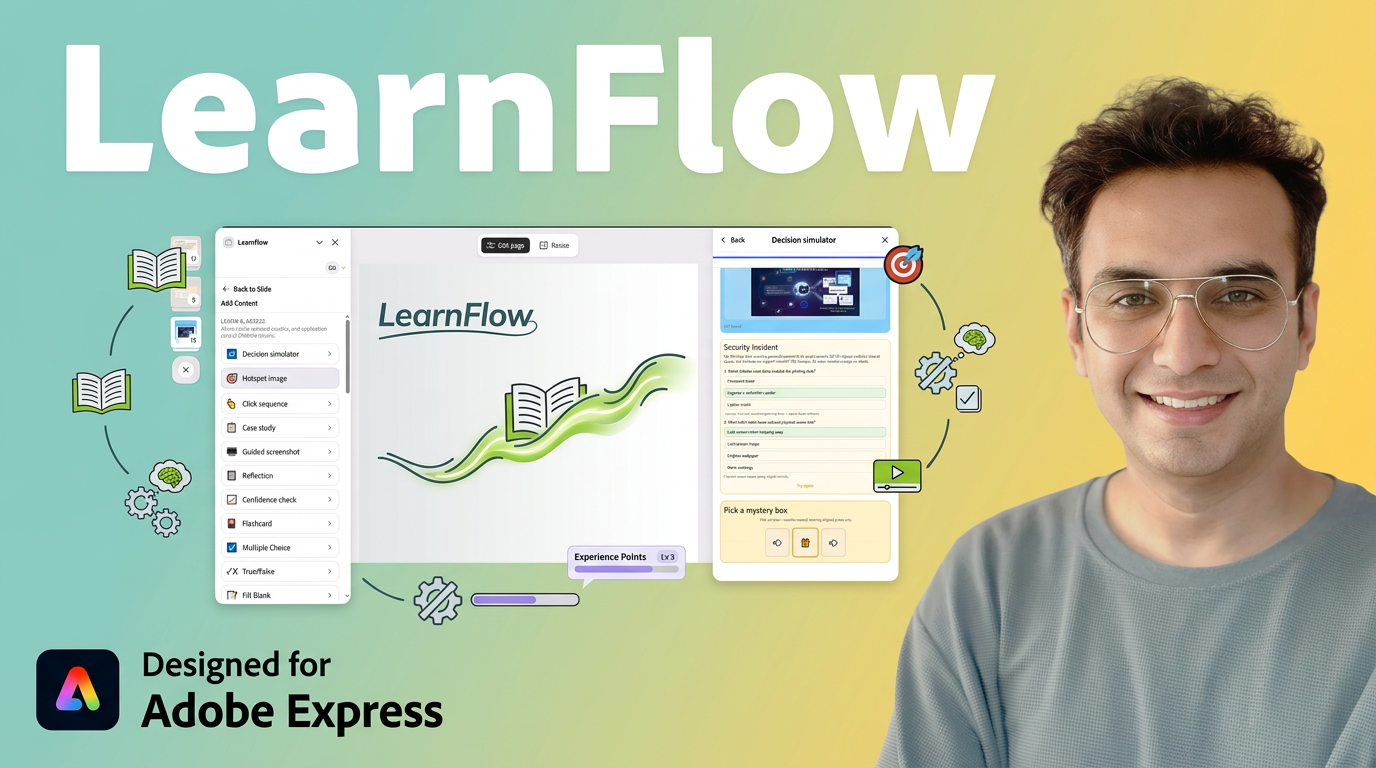
Branching decision tree where learners walk through choices and see consequences.
Learner experience
Start at the root node, pick options at each step, and follow paths to outcome nodes with feedback.
Editor tips
- Add nodes with labels and connect them with branches.
- Set feedback text on terminal nodes to teach outcomes.
- Enable Include in final exam for compliance-style branching assessments.
Image with clickable regions learners must find or identify.
Learner experience
Learner clicks hotspots on the image; correct taps highlight success, misses show hints.
Editor tips
- Upload or paste an image URL, then define hotspot regions.
- Label each hotspot and mark which are required.
- Great for UI training, anatomy, or equipment identification.
Learners tap UI elements or steps in the correct order.
Learner experience
Follow on-screen instructions; each correct click advances the sequence until complete.
Editor tips
- Define ordered steps with labels and optional hints.
- Use for procedural training (e.g. shutdown checklist order).
- Include in final exam for process verification.
Narrative scenario with embedded questions and teaching feedback.
Learner experience
Read the case setup, answer questions, and receive debrief text after each response.
Editor tips
- Write a realistic scenario in the setup field.
- Add multiple questions with correct answers and teach-back text.
- Ideal for ethics, sales, and clinical case discussions.
Step-by-step walkthrough overlaid on a screenshot or UI capture.
Learner experience
Learner advances through numbered callouts on the image, each explaining one UI area.
Editor tips
- Upload a screenshot and position hotspot callouts.
- Write short instruction text per step.
- Perfect for software onboarding and tool tours.
Free-text journaling prompts for learner reflection.
Learner experience
Learner reads the prompt and types a response in a text area (not scored).
Editor tips
- Set a clear reflection prompt tied to the lesson objective.
- Use in reflective learning recipes and workshop debriefs.
- Responses may appear in analytics if tracking is enabled.
Before/after confidence slider to measure perceived mastery.
Learner experience
Learner rates confidence (e.g. 1–5) before and/or after content; sees coaching text.
Editor tips
- Place at the start (pre) and end (post) of a lesson arc.
- Compare pre/post in analytics to gauge learning impact.
- Common in Skill Builder and Reflective Learning recipes.
Flip card for active recall — each face can be text, image, or both.
Learner experience
Front shows the prompt; learner flips (click or hover) to reveal the answer on the back.
Editor tips
- Set frontSideMode and backSideMode: text, image, or text-and-image.
- Choose flipTrigger: click, hover, or click-or-hover.
- Add frontHint for optional scaffolding.
Multi-option quiz with per-option rationales and graded feedback.
Learner experience
Select one or more options, submit, see correct/incorrect feedback and rationales, optionally retry.
Editor tips
- Set answerMode to single or multiple correct answers.
- Add rationale per option — shown after submit.
- Configure submitActionKind and advanceDelayMs for post-quiz navigation.
Binary graded quiz with true/false statement.
Learner experience
Pick True or False, submit, receive feedback, optionally retry.
Editor tips
- Write unambiguous statements — avoid double negatives.
- Set feedbackCorrect and feedbackIncorrect for teaching moments.
- Included in final exam by default.
Graded cloze — learner types the missing word or phrase.
Learner experience
Read the sentence with a blank, type an answer, submit for instant grading.
Editor tips
- Add multiple correctAnswers (e.g. 'alt' and 'alt text').
- Set caseSensitive if needed.
- Use for terminology recall and key concept checks.
FAQ-style expandable sections for chunked content.
Learner experience
Tap section titles to expand/collapse body text; single or multiple open modes.
Editor tips
- expandMode: single (one open) or multiple.
- Set defaultOpenIds for sections open on load.
- Keep section titles scannable; put detail in body.
Structured lists — bullets, numbers, checklists, arrows, tips.
Learner experience
Read-only for bullet/number/arrow; checklist mode lets learners tick items with optional completion message.
Editor tips
- listStyle: bullet, number, check, or arrow.
- For checklists, set itemsRequiredToComplete and completionMessage.
- showItemKinds adds do/don't/neutral badges per item.
Match terms to definitions by connecting left/right pairs.
Learner experience
Learner matches shuffled pairs; success message and debrief on completion.
Editor tips
- Add pairs with left term, right definition, optional hint.
- Pairs shuffle in preview — order in editor is the answer key.
- Strong for vocabulary and concept-definition drills.
Drag items into the correct sequence (process steps, chronology).
Learner experience
Drag rows into order, submit, see success or retry with debrief.
Editor tips
- List items in the correct order in the editor.
- Add rationale per item for teach-back after submit.
- Similar to Sort challenge but simpler interaction.
Drag-sort challenge with success message and debrief.
Learner experience
Reorder rows to match the correct process order; feedback on success or failure.
Editor tips
- Set instruction, successMessage, and debrief text.
- Define items and correctOrder derived from editor order.
- Use for procedures, timelines, and priority ranking.
Drag words from a bank into sentence blanks.
Learner experience
Drag correct words into gaps; distractors in the bank add difficulty.
Editor tips
- Split sentence into parts array around blanks.
- Set correctWords in order and bank with distractors.
- Good for grammar, formulas, and cloze without typing.
Sort items into two category buckets by dragging.
Learner experience
Drag each item to the correct category; debrief explains sorting logic.
Editor tips
- Name both categories clearly (e.g. Risk vs Opportunity).
- Add items with teach text for wrong placements.
- Useful for classification exercises.
Card-matching memory game with pairs.
Learner experience
Flip cards to find matching pairs; completes when all pairs found.
Editor tips
- Define pairs with front/back content.
- Keep pair count manageable (4–8 pairs) for panel size.
- Engaging review activity, not for formal scoring.
Tag statements as myth or fact with teach-back explanations.
Learner experience
Learner tags each statement; sees teach text explaining why.
Editor tips
- Write clear statements — one idea per item.
- Teach field explains the correct classification.
- Common in compliance and health literacy courses.
Pick the best explanation among several choices.
Learner experience
Read options, select the strongest explanation, see feedback.
Editor tips
- Write plausible distractors — not obviously wrong.
- Mark correctIndex and add teach text per option.
- Tests deeper understanding than fact recall.
Sequential step unlock — each step reveals the next with key ideas.
Learner experience
Complete step 1 to unlock step 2, etc.; key idea shown per step.
Editor tips
- Order steps in the editor — learners progress linearly.
- Add keyIdea text per step for micro-teaching.
- Ideal for multi-step procedures.
A/B scenario branch with reveal feedback per path.
Learner experience
Read context, pick option A or B, see reveal text teaching the tradeoff.
Editor tips
- Write context setup, option labels, and revealA/revealB feedback.
- Not scored — focus on discussion and reflection.
- Replaces legacy would-you-rather card type.
Slider between competing priorities with teaching debrief.
Learner experience
Move slider between two poles, submit, read teach-back about the tradeoff.
Editor tips
- Label both poles clearly (e.g. Speed vs Quality).
- Write debrief explaining nuance — no single 'correct' position required.
- Replaces legacy ethics-fork card type.
Click the wrong or buggy word in a text snippet.
Learner experience
Read the snippet, click the incorrect word; feedback confirms or corrects.
Editor tips
- Highlight the bug word index in content settings.
- Use for code review, proofreading, and error-spotting drills.
- Keep snippets short for mobile learners.
Classify signals as risk, opportunity, or noise.
Learner experience
Sort each signal into the correct bucket; debrief explains classifications.
Editor tips
- Write realistic signal snippets for your domain.
- Three buckets: risk, opportunity, noise.
- Great for analyst and leadership training.
Riddle with progressive hints and final answer pick.
Learner experience
Try to answer; request hints one at a time; pick from options when ready.
Editor tips
- Write riddle, ordered hints (mildest first), and answer options.
- Set correctIndex among options.
- Used in mistake-correction phases of recipes.
Checklist with teach-back per item for compliance training.
Learner experience
Check each safety item; teach text appears for unchecked or wrong items.
Editor tips
- List mandatory safety steps with teach-back per item.
- Require all items for completion in compliance recipes.
- Pair with Compliance Gate recipe for gated courses.

 LearnFlow add-on for Adobe Express